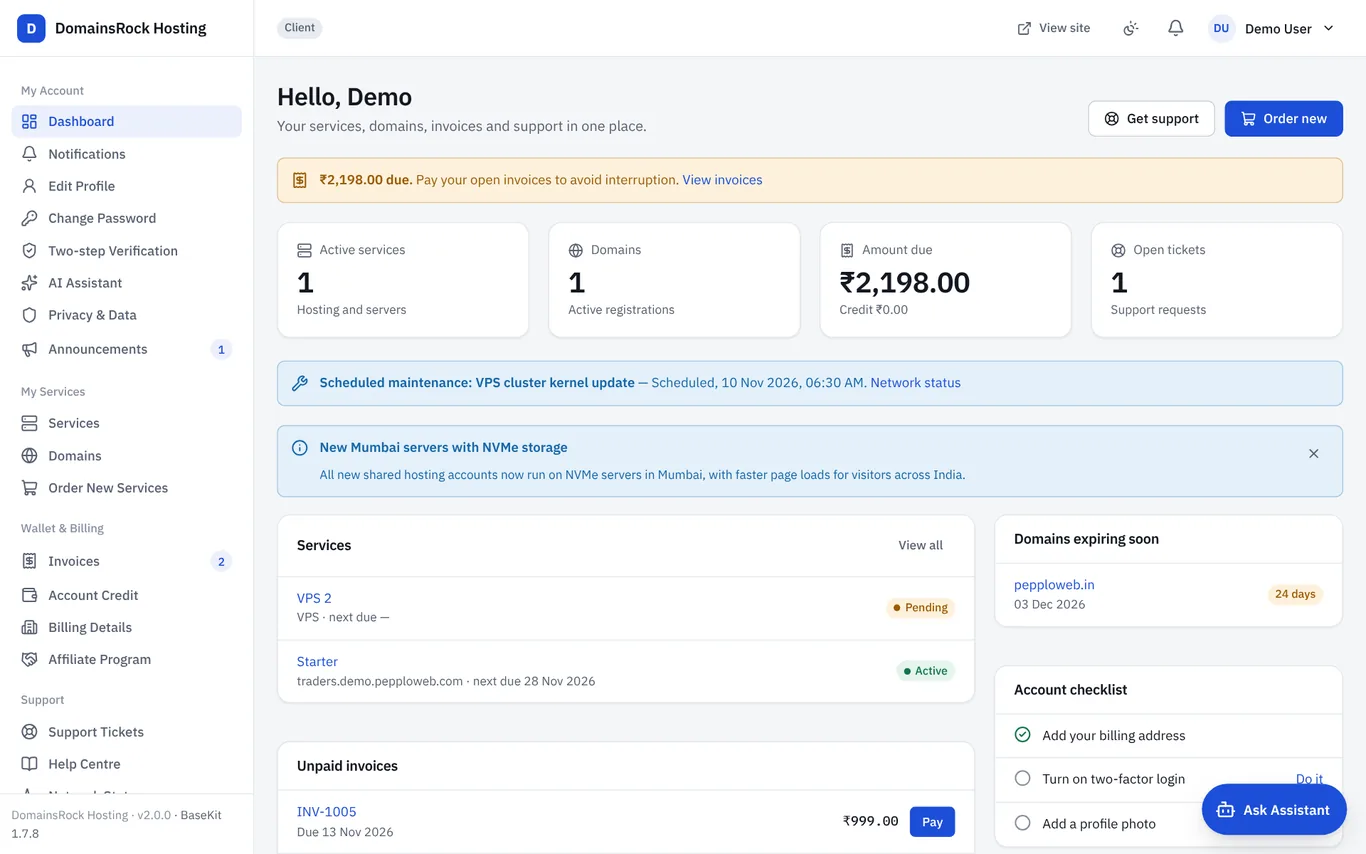
Live demo
Click through the real WHMPanel 2.0 as an admin, a staff member and a client.
Open the demo
The demo accounts are listed on the demo's sign-in page; choose one to fill it in.
- Admin — products, servers, invoices, settings and extensions
- Staff — the panel limited to the permissions an admin gives
- Client — store, services, invoices and tickets
The demo resets regularly. Settings and credentials cannot be changed or seen in the demo.